
RFID Credit Balance & Reload Instructions
At Swiss Valley, your RFID card automatically tracks your skiing through our gate system.
Based on when, where, and how long you ski, you earn credits that convert into a digital gift card balance you can use for future purchases across the resort.
As we move through the season, we encourage all guests to check their balance and plan how to use their credits on their next visit.
Tip: Purchasing online initially and reloading your RFID card in advance is the fastest and most cost‑effective way to plan your visit — helping you skip lines and lock in the best pricing.
How to Check Your Balance
- Visit Skiswissvalley.com
- Click the shopping cart in the top‑right corner
- Select Gift Cards
- Click Gift Card Reload / Balance Lookup
- Enter your card number (on the front of your RFID card)
- Enter your PIN
- Click Check Balance
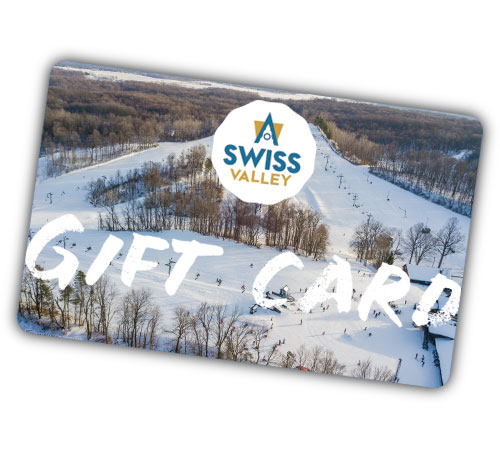
How to Reload Your RFID Card
- Visit Skiswissvalley.com
- Click the shopping cart in the top‑right corner
- Select Gift Cards
- Click Gift Card Reload / Balance Lookup
- Enter your card number and PIN
- Click Reload Card and choose your amount
Why Check Your Balance
- Plan lift tickets, rentals, lessons, or dining
- Use earned credits before your next trip
- Spend less time waiting and more time skiing
